How to Properly Login to Remote Desktop
How to login in the cloud (for best view download the attach file)
Default description
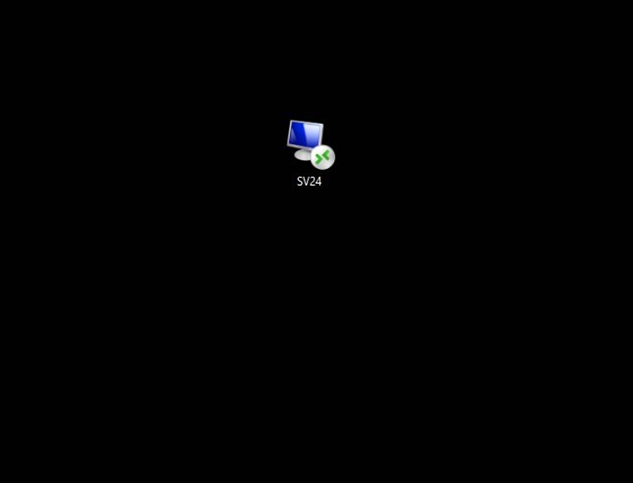
This is called a RDP file
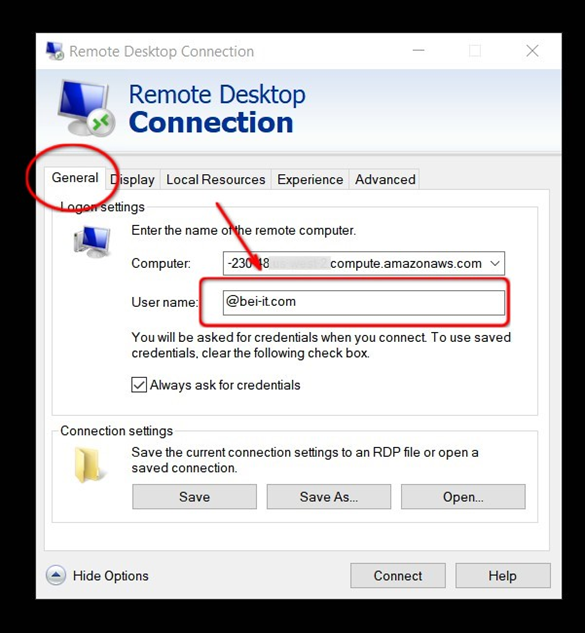
Put your cloud username here
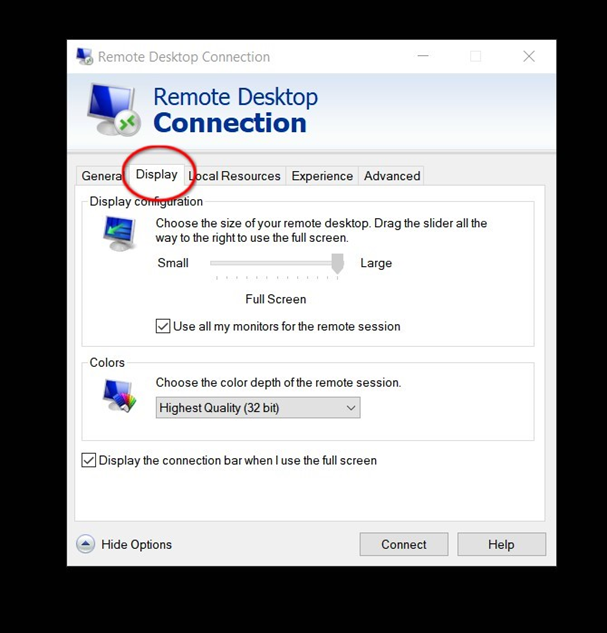
Display recommended settings
Experience recommended settings

To Connect
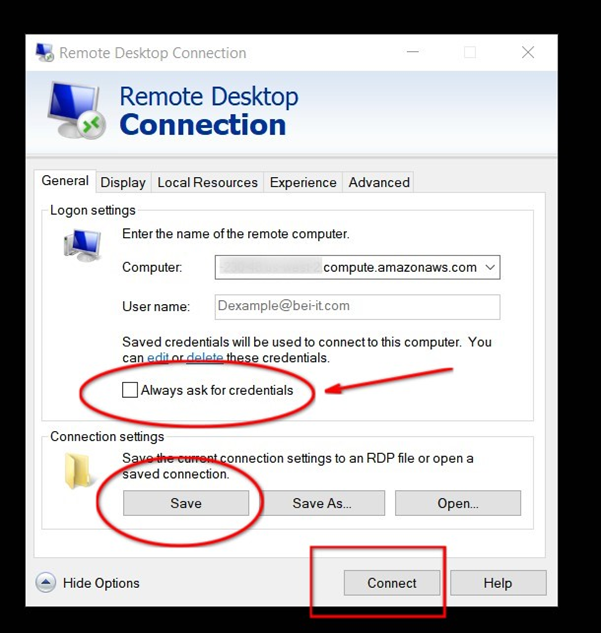
Make sure to uncheck Always ask for credentialsmake sure to click savethen just click connect
Put your password here
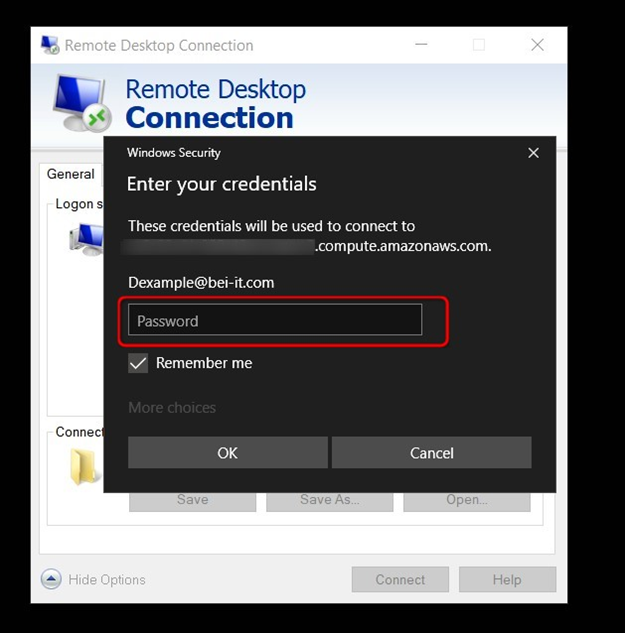
After logging in there will be a prompt saying "Do you trust the connection"There will be a check box button saying "Dont ask me again..." check that box and click OK
(Optional) For Windows users
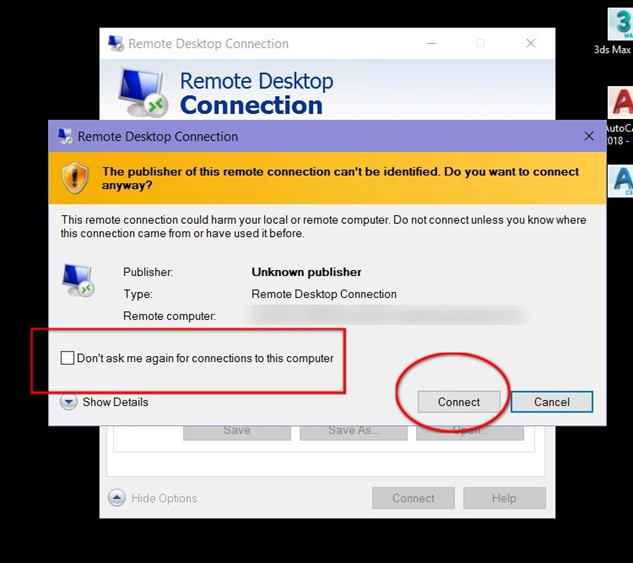
You will get prompt by this, just check the box "Don't ask me again..." and click connect
After a successful login
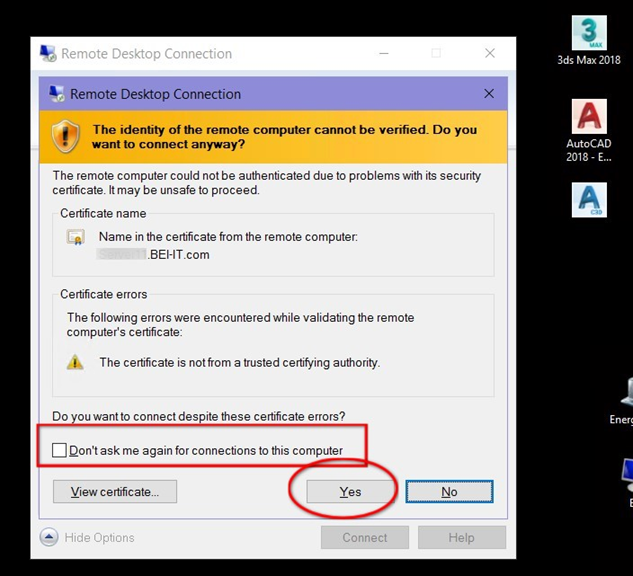
Same goes with this one, Check the box and click YES