How to use Attach Large Files
In this guide, we will show you how to use our Attach Large Files program for attaching documents that exceed the standard email attachment size limit.
- If opening from a new email window, simply click on the Attach Large Files button. This should launch the actual program for attaching files.
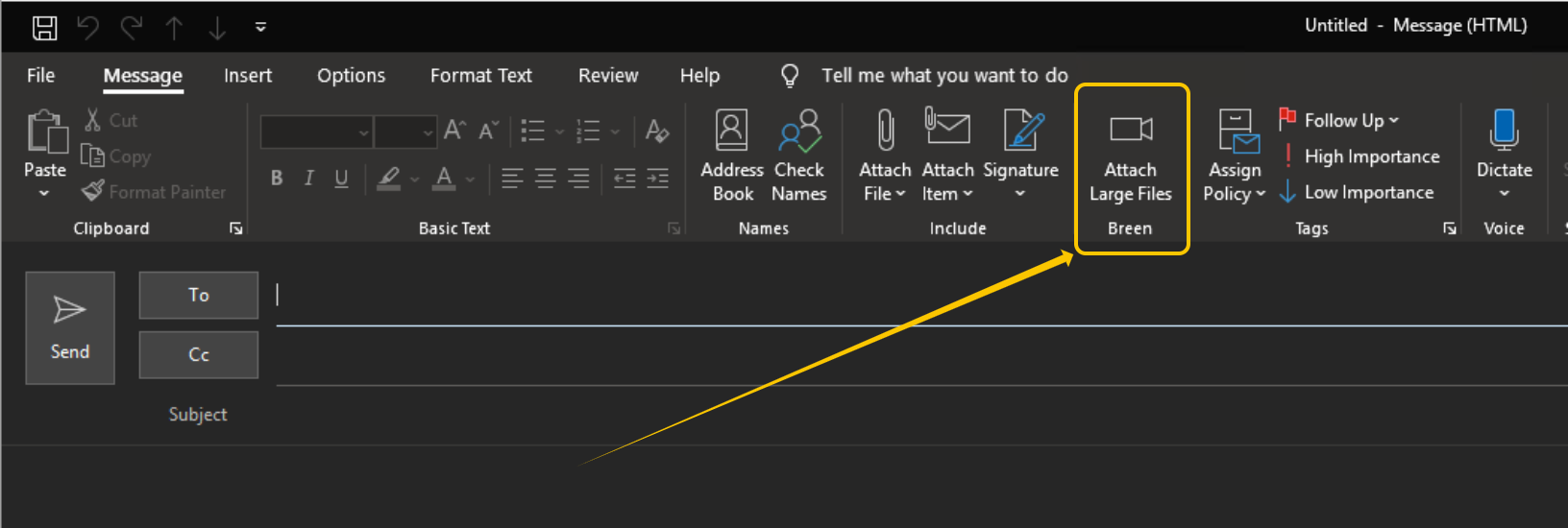 Or if replying to an email, click on the pop-out button first, then the window that opens should have the Attach Large Files button
 Or after opening a message window, you can open Attach Large files externally, for example, from your taskbar if it is pinned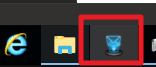
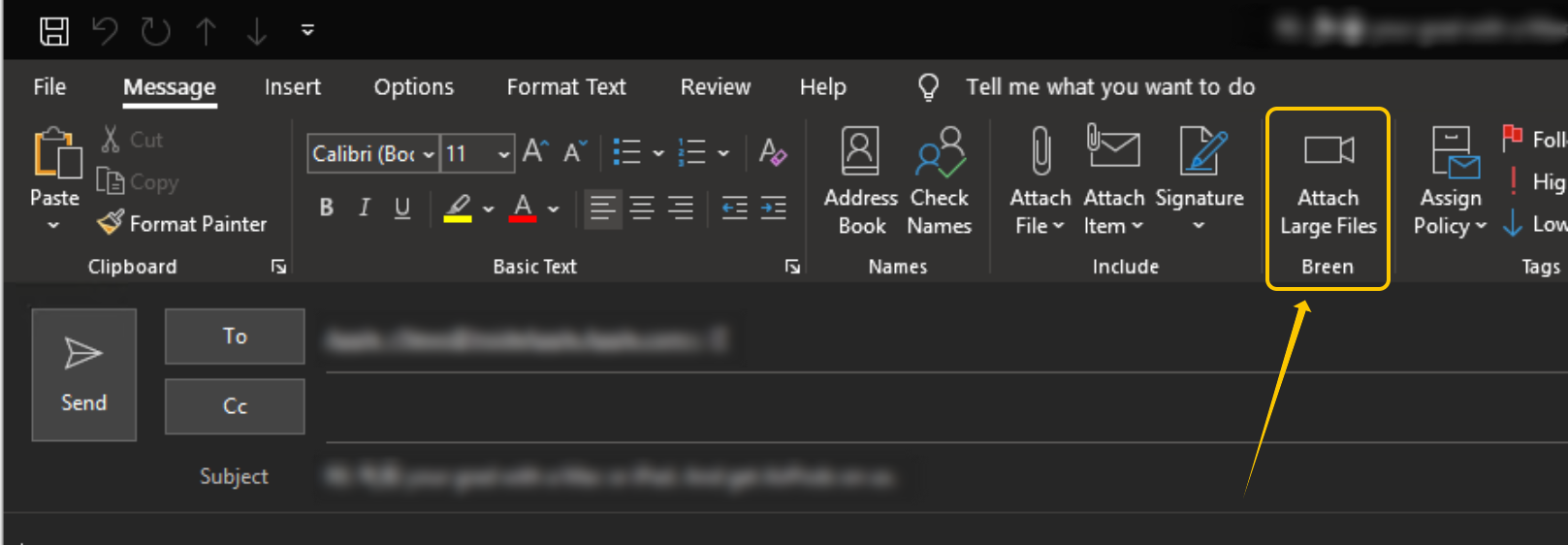
 Or if replying to an email, click on the pop-out button first, then the window that opens should have the Attach Large Files button
 Or after opening a message window, you can open Attach Large files externally, for example, from your taskbar if it is pinned
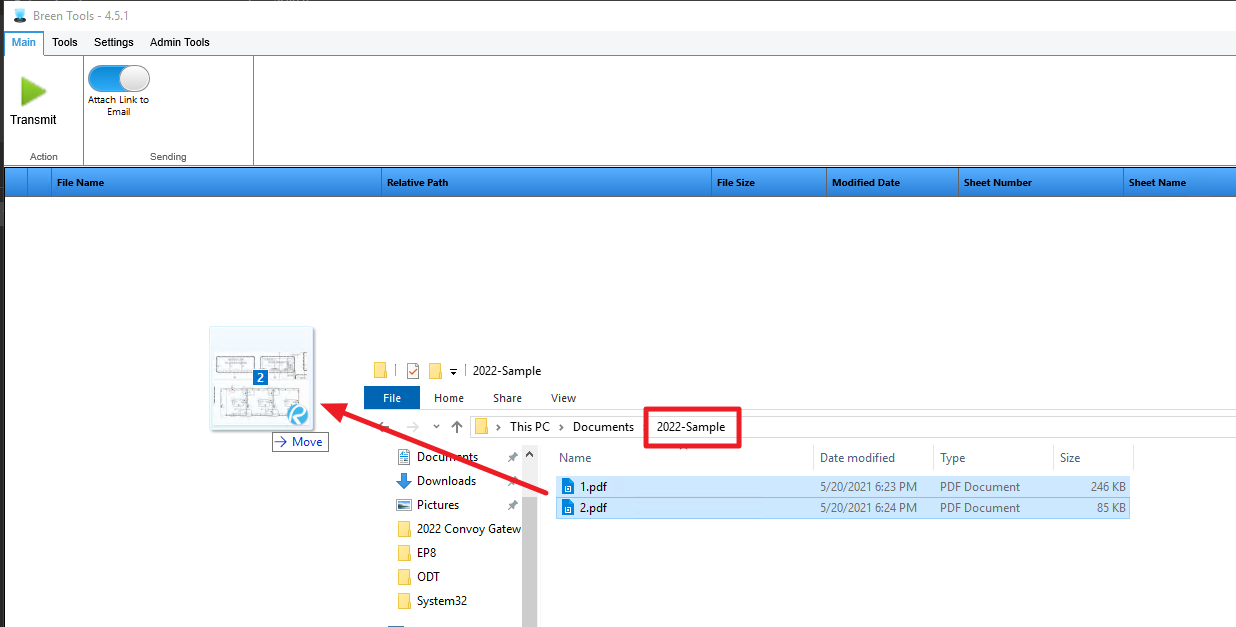
- From File Explorer, drag and drop your files/zip into the Breen Tools window.
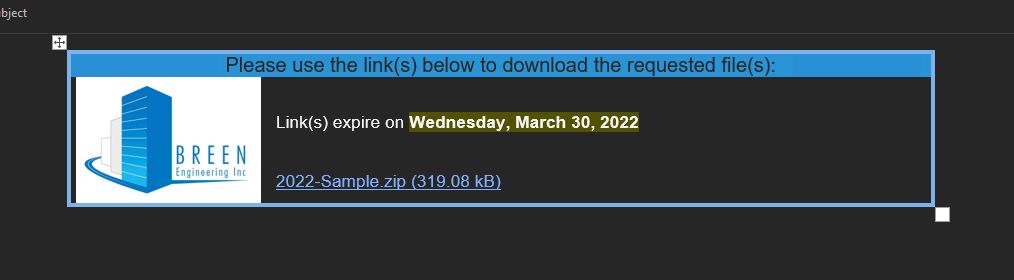
- After clicking on Transmit, your email will then be populated with an item that contains a download link and some information like the expiration date of the link. You may continue composing your email or if done, you may send it out.
If you run the attach large file with the ZIP option enabled, the corresponding zip file will take the name of the folder that it is in.