Set Status Message
To set your status message on Teams:
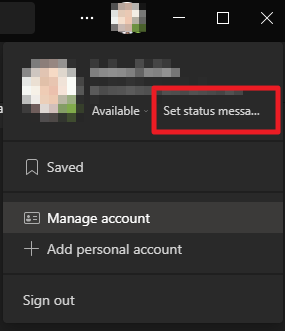
- Go to your profile pic at the top of Teams and select Set status message to view your options.
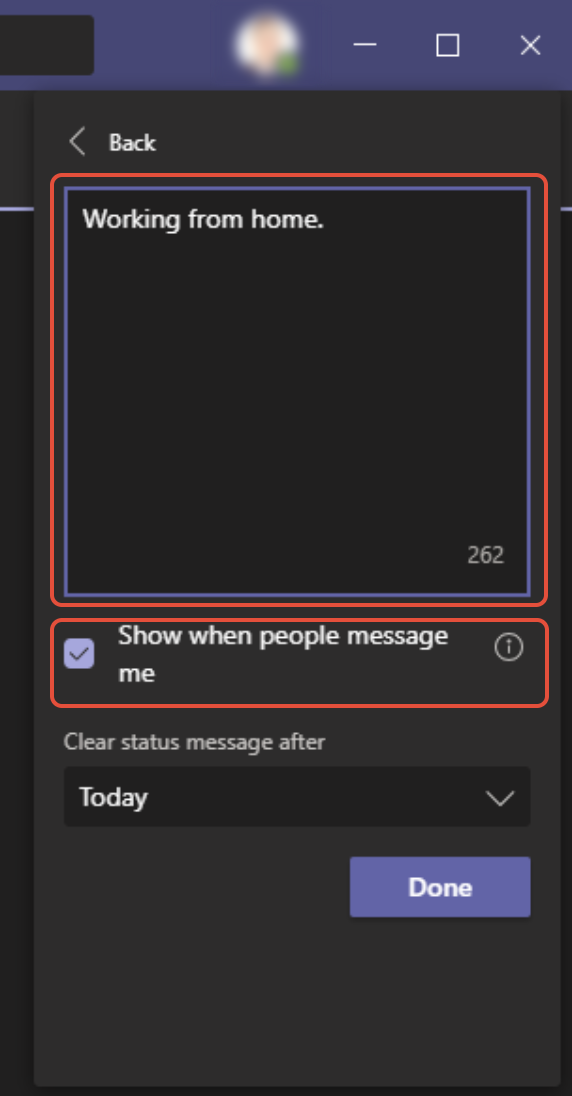
- Type the message that you want to show other people in the box. If you want to show people your status when they message or @mention you, select Show when people message me.
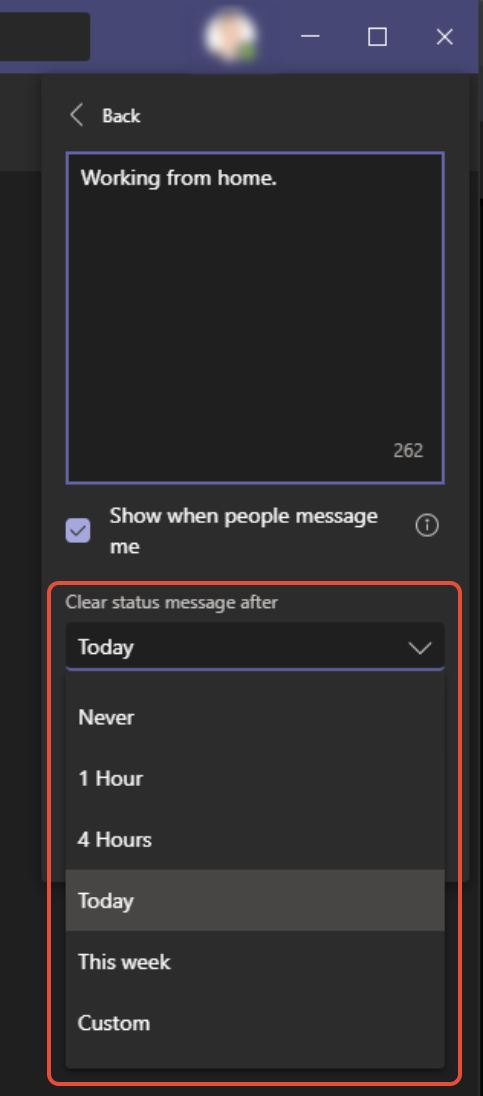
- Choose when you want the message to stop displaying.
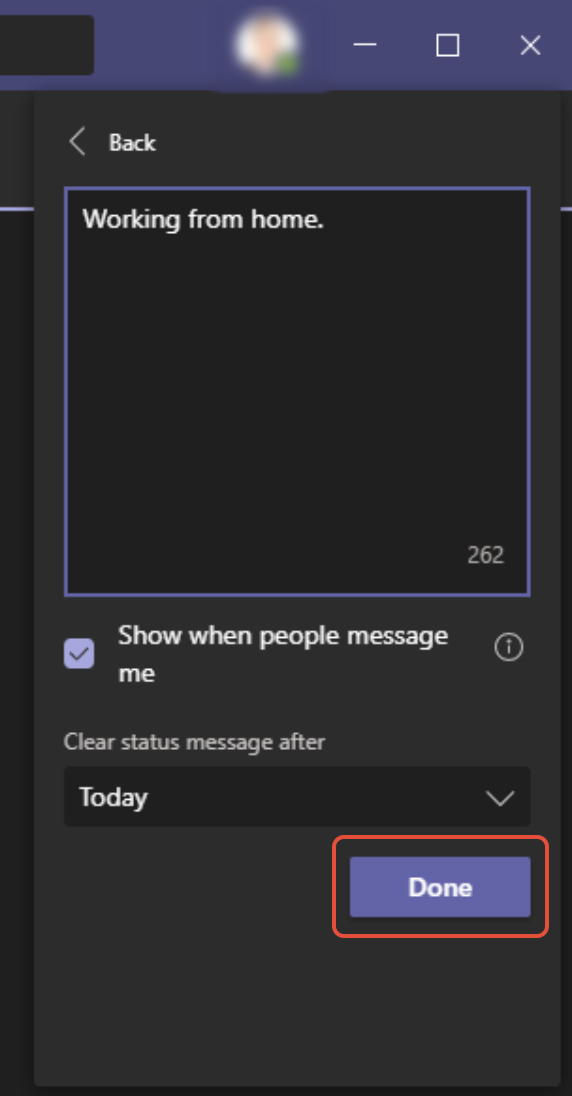
- Select Done and you’re all set.