Create an Archive
Please see the following steps on how to create an Archive mailbox when your current one becomes full.
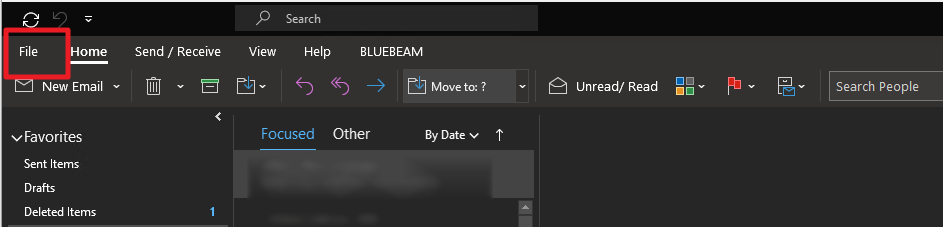
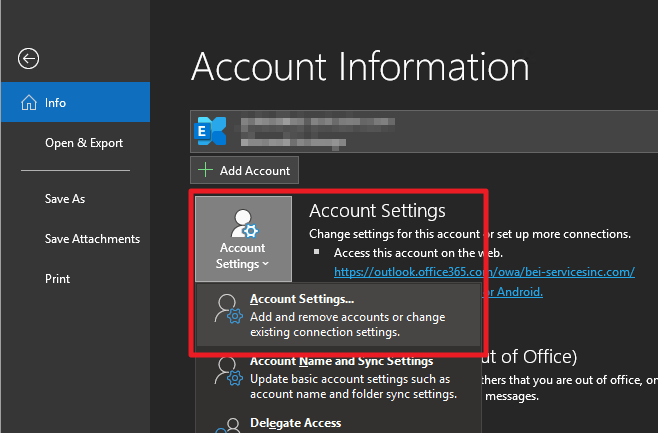
- On Outlook, click on File tab then go to Account Settings
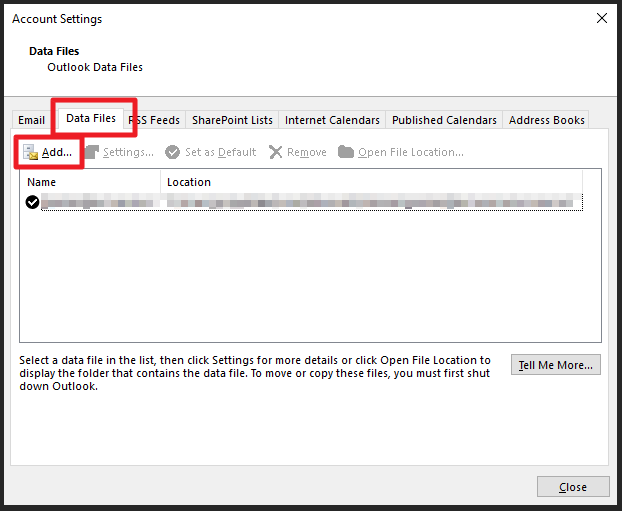
- On the Account Settings window that opens, go to Data Files tab then click on Add
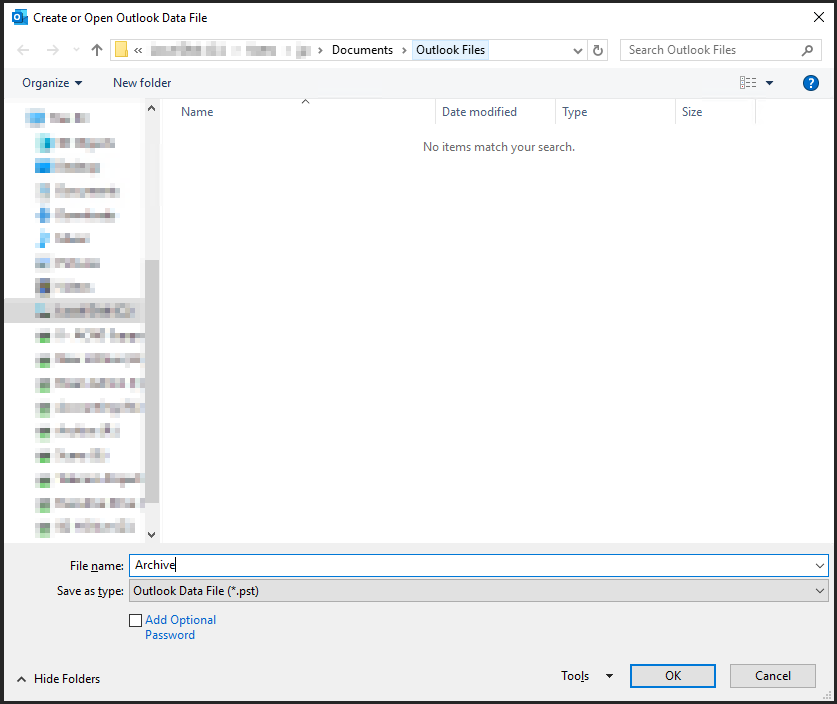
- Create an outlook data file by simply typing in a name for it on the window that opens then click OK
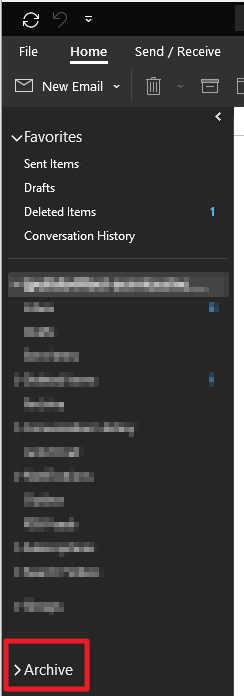
- A new dropdown will appear on your mailbox navigation with the name of the file that you've created on the previous step. You may know create folders inside this mailbox and move items from your existing mailbox to this new one