Using Webcam on Remote Desktop
As of time of writing, only the following servers support webcam on remote desktop:
- 24
- Megumi
- Phylis
- Cirila
- ArchiStruct
- In order to use webcam on remote desktop, download and install the workstation part of this software: https://www.fabulatech.com/webcam-for-remote-desktop-download.html#tab_camrdp-win-current
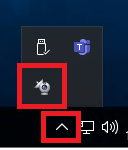
- Once installed, re/connect to your remote desktop and look for the fabulatech software icon on your system tray and click on it
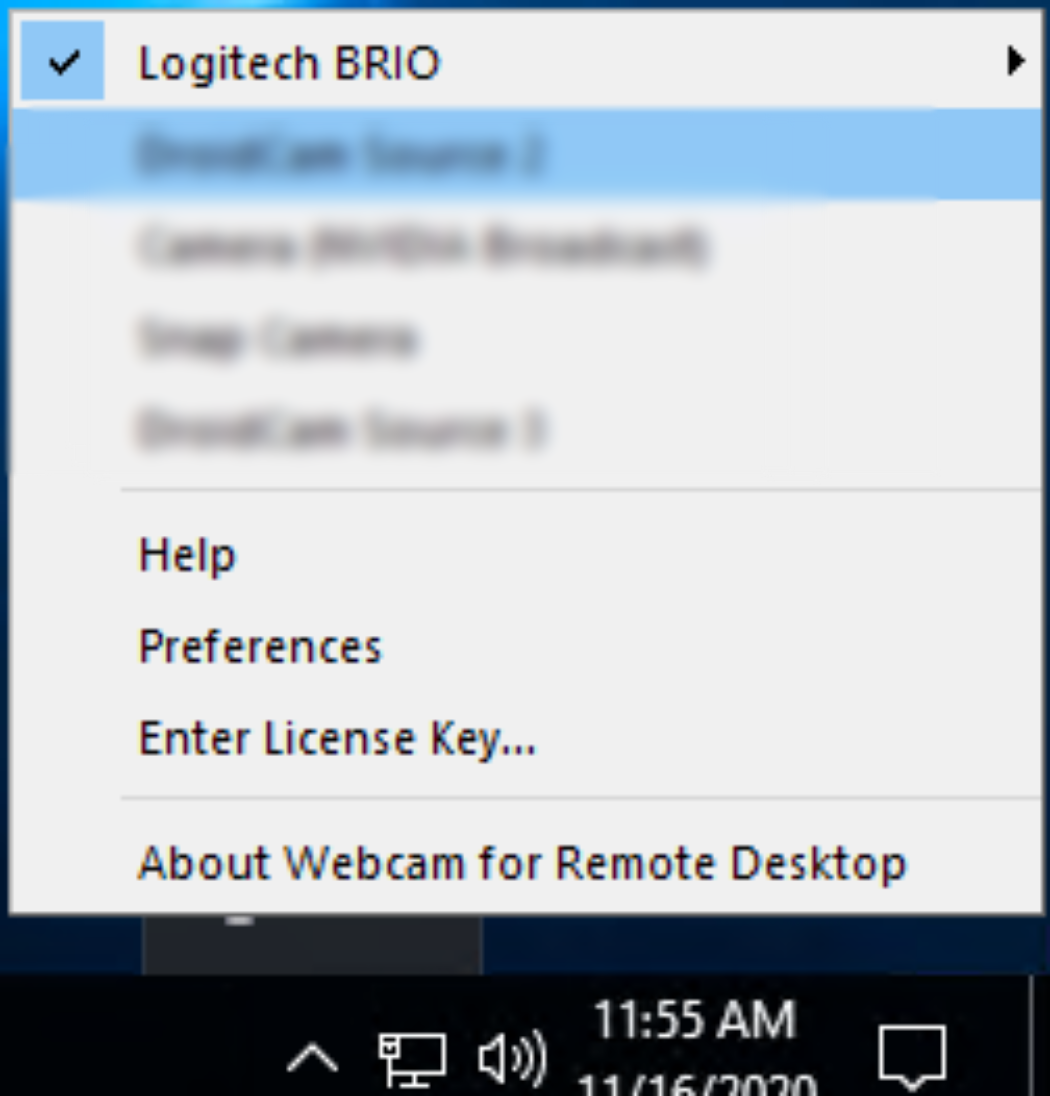
- Select your webcam and make sure it has the check symbol on it.
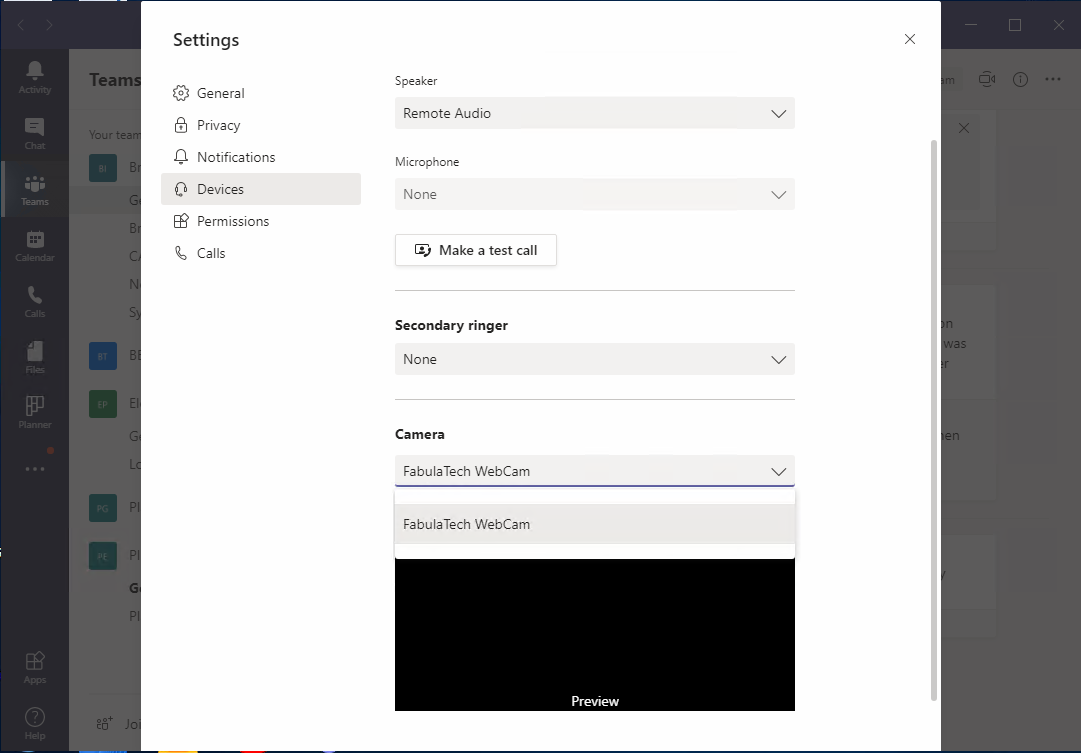
- On Teams/Chime/Zoom etc., select "Fabulatech WebCam" for the camera option.