Limit/Decrease CPU usage of a User
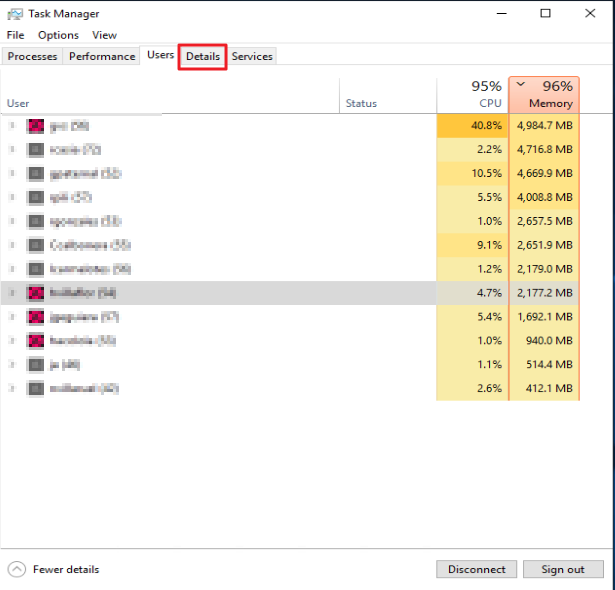
1. Open Task Manager
2. Navigate into "Details"
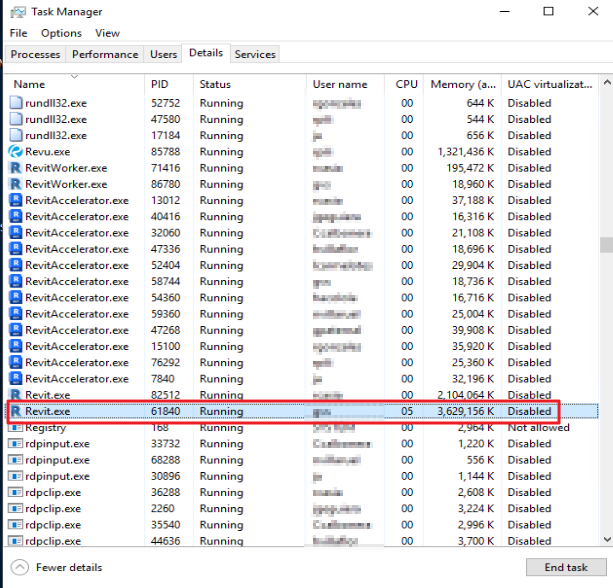
3. Under Details choose the application that's having high CPU usage. Right Click and open "Set affinity"

4. Decrease or uncheck the CPU cores. This should decrease the high CPU usage.
