How to change Monitor Resolution
1. Go to Settings of your PC
2. On Systems, automatically Display will be prompted.
*If you have multiple monitors and want to identify which is which, click on identify and numbers of how many monitors and which monitor will be show on all you used screens.
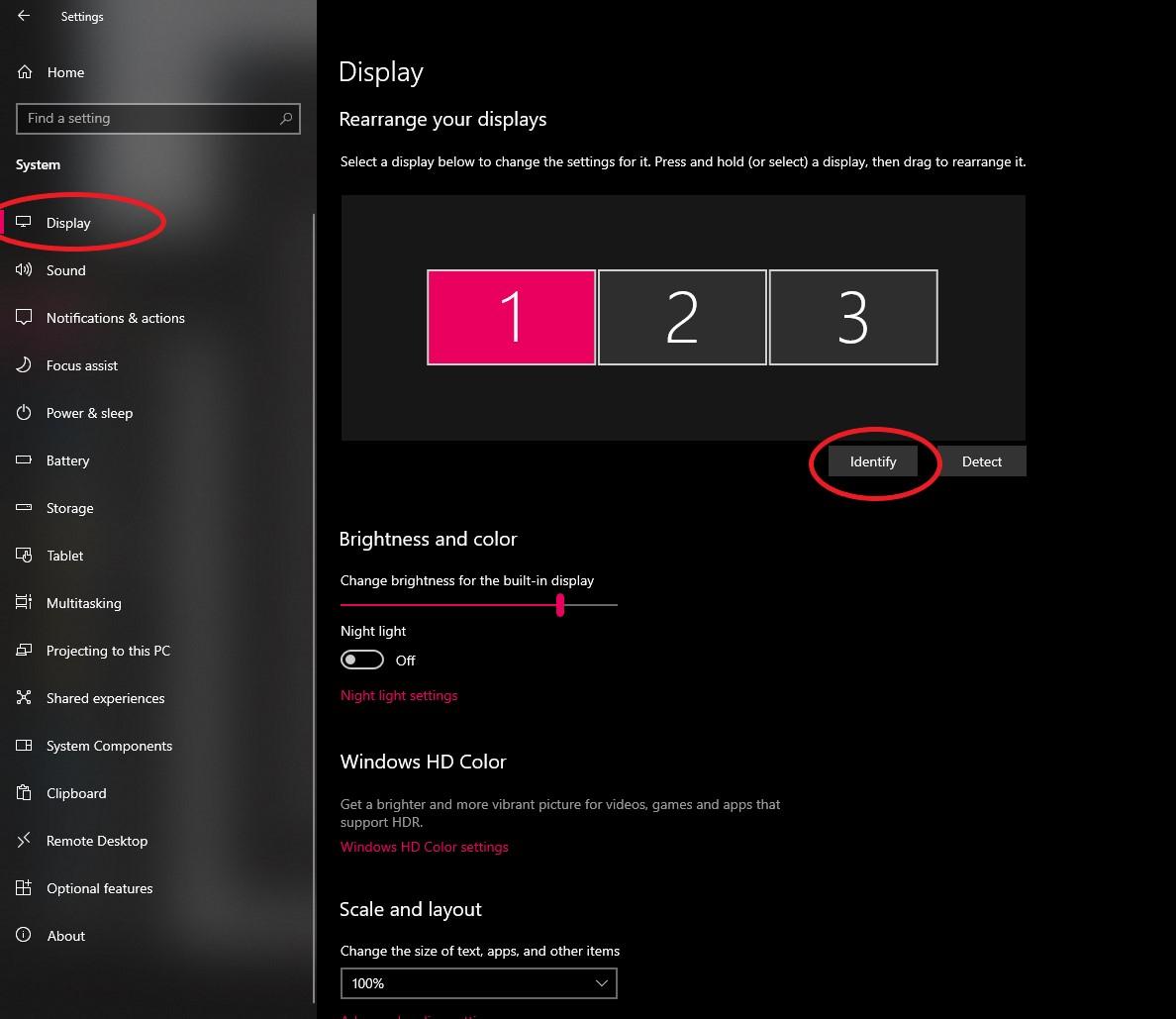
*Note that you can also re-arrange the monitor (based on the boxes above) depending on the actual positioning of your monitors.
3. Once done identifying your monitors, and still at display settings, scroll a bit down to display resolution.
4. Select what is recommended by the system or whichever you prefer.
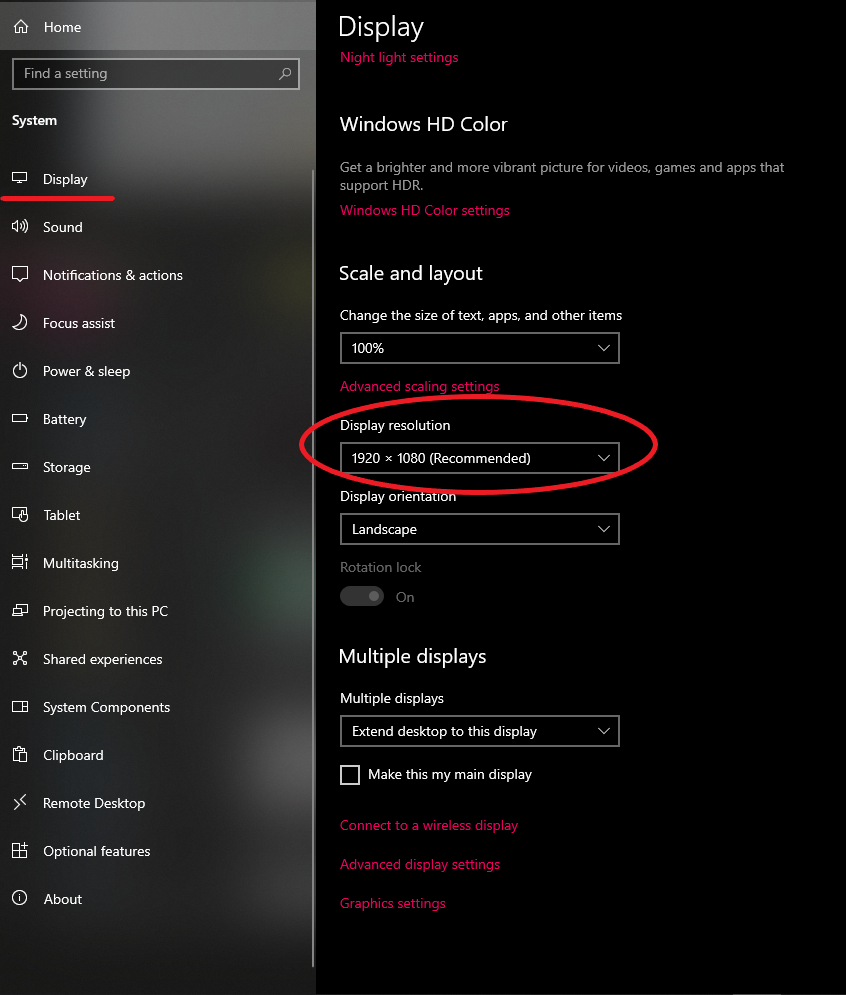
*Note that some resolution adjustment might cause issues on your display or may not display some contents in you screen.
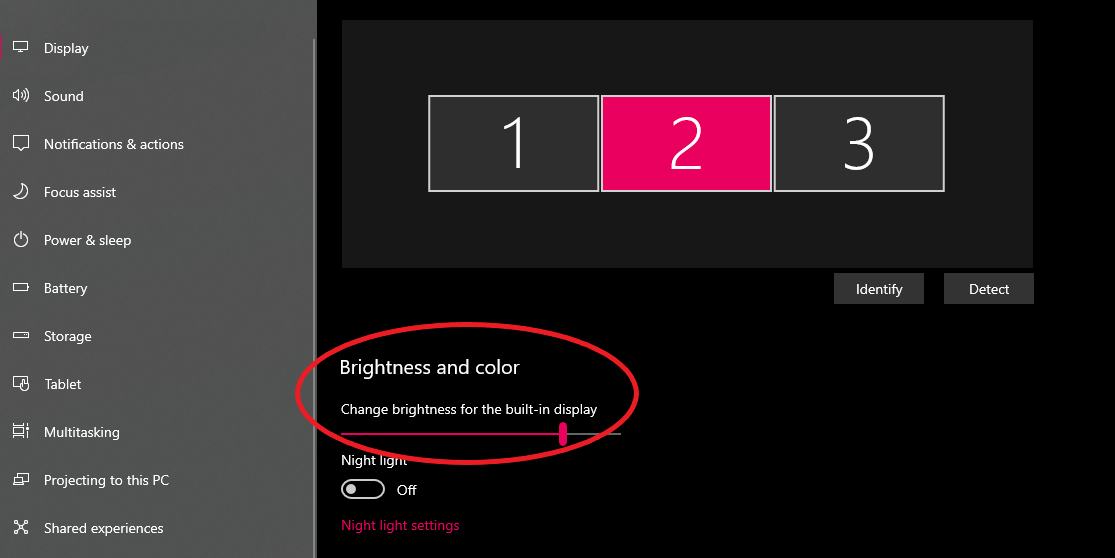
*You can also change the brightness on each screen, just select which screen you wish to adjust: