Plot/Print in HP SmartStream
1. Open HP smartstream
2. Navigate into "Job preperation"
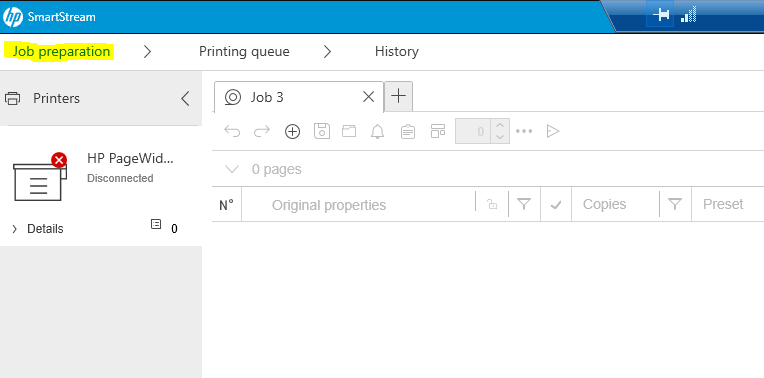
3. Drag and drop the files you wish to plot/print
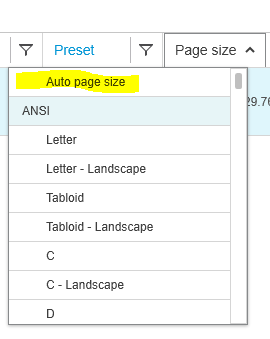
4. Under Page Size set it to "Auto Page Size"
5. If the drawing doesn't maximize the paper area you can select Fit to Roll

6. Print