Printing 11x17 on MEP Copier
This guide will use Bluebeam Revu printing as an example.
- On the Print Window, if not already selected, choose the MEP Copier from the printer drop down.
- On the Options, for the size select 11x17 from the dropdown.
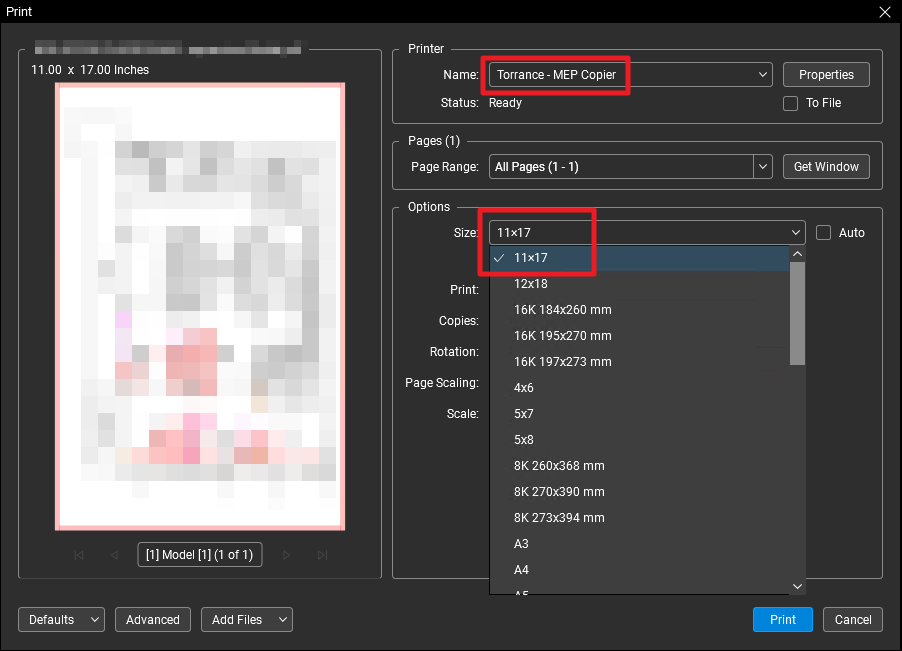
- Adjust fitment as needed and print.
