Opening Control Panel
Windows 2016 and 10 have a nice settings menu, but sometimes you need the original control panel, to access it, use the following steps:
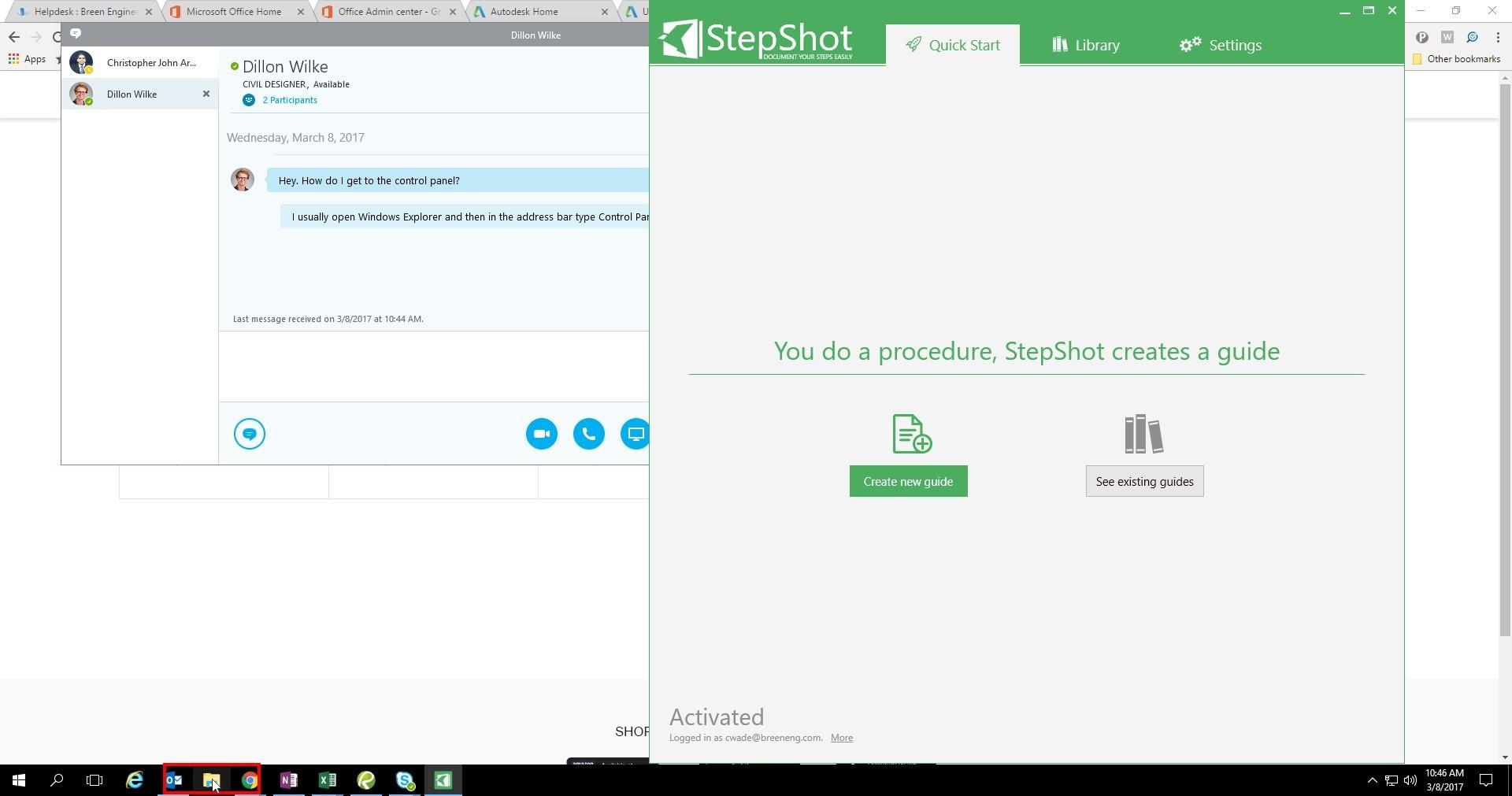
- Open Windows Explorer
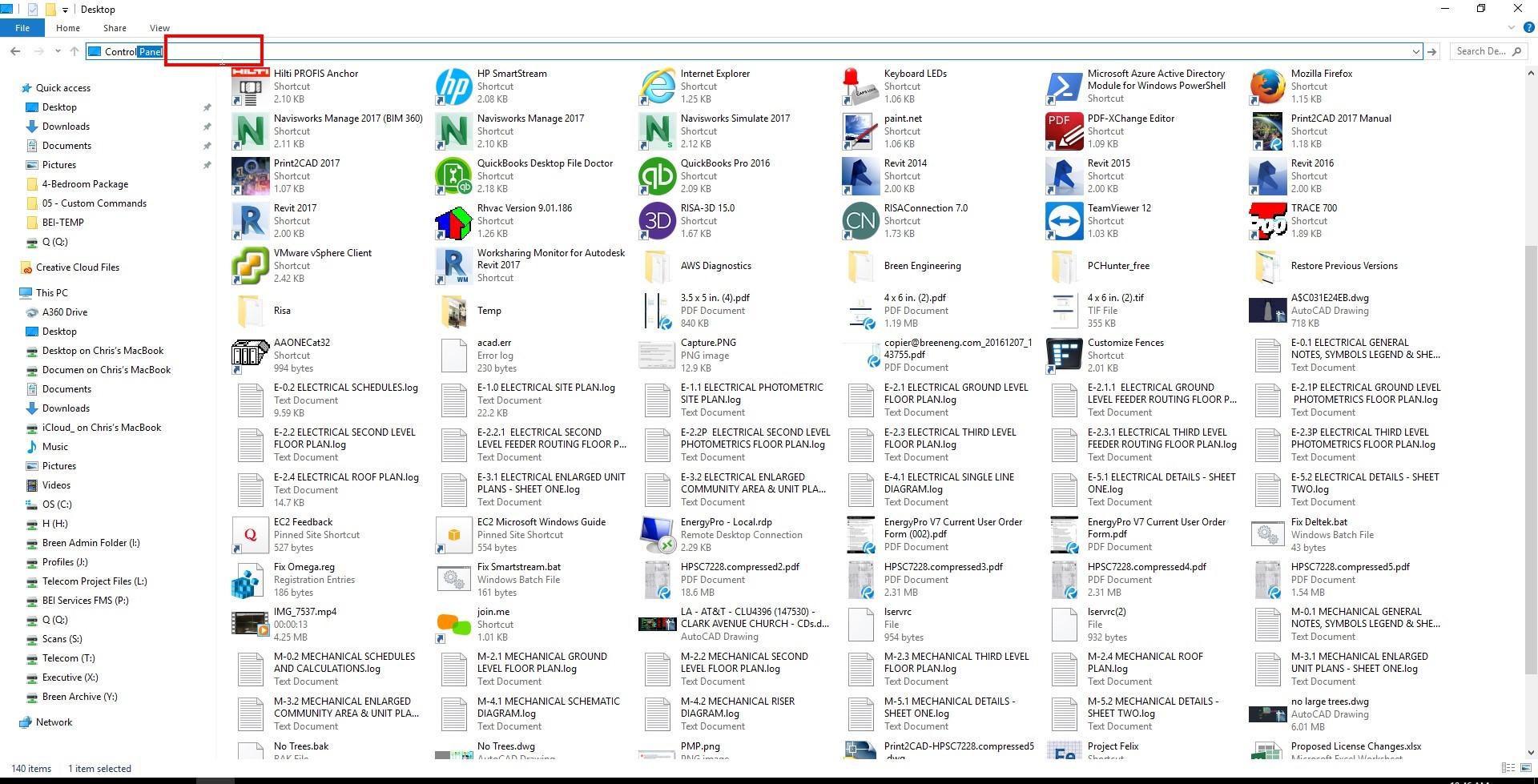
- Type Control Panel in the Address Bar and Press Enter
- You are now in Control Panel
