Restoring Previous Versions of Files
Sometimes files either go missing or you need a previous version of files, while we do have backups that the IT department can access, many times you can get these on your own without the need to wait for the IT department to do so.
You can attempt to get the files yourself by using the Restore Previous Version feature in Windows Explorer
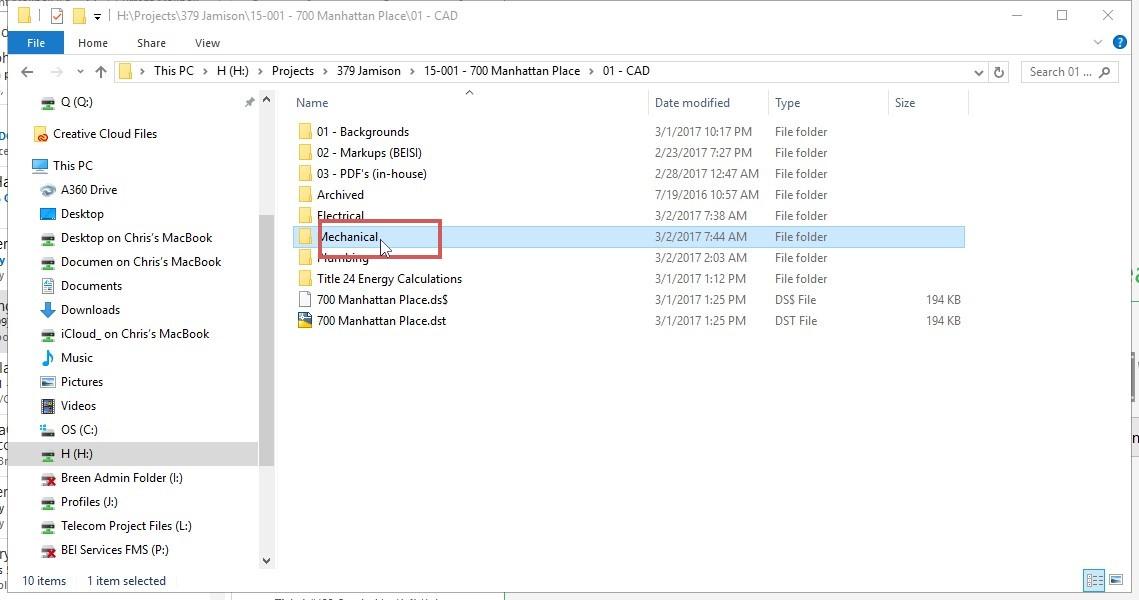
- Right click on the folder that contains the file(s) that you want to get the previous versions of or restore.
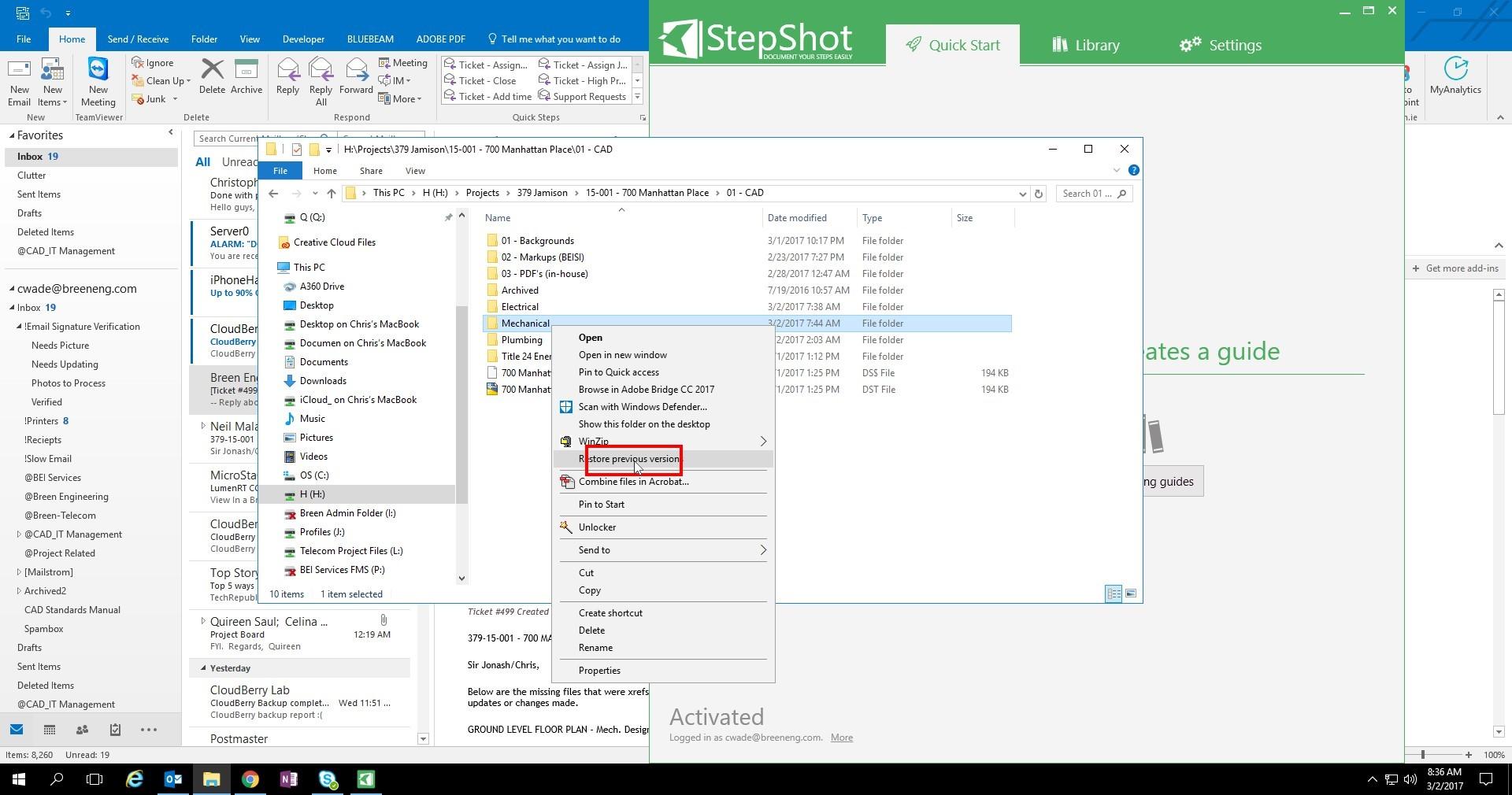
- Select Restore Previous Version
-
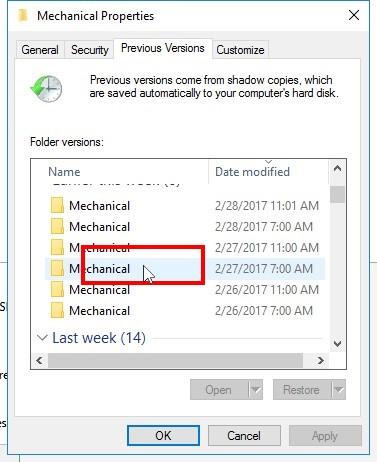
Pick which date you want to go back to
-
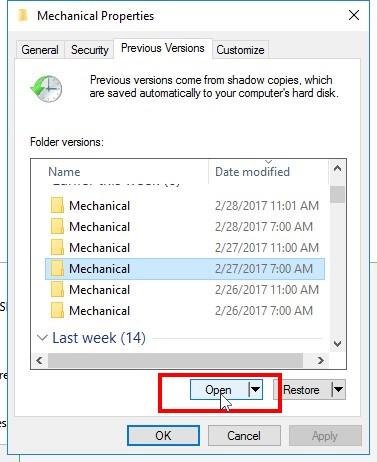
Click Open
-
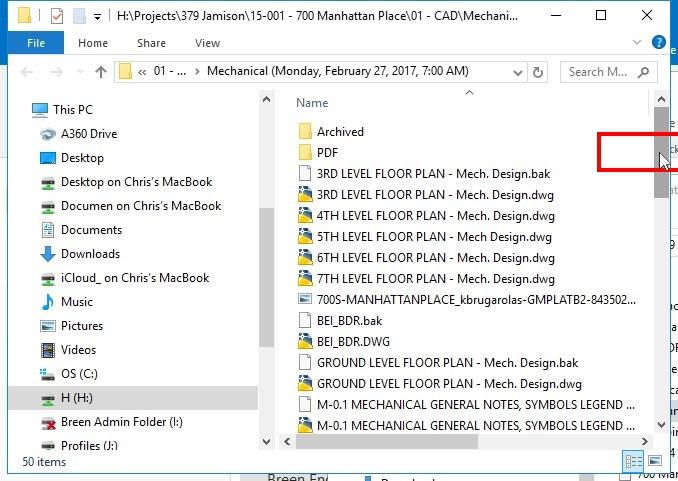
Find the files that you want in the folder that just opened and copy or open them as needed.
NOTE: How far back you can go will depend on a variety of factors, so if you need to go further back, please send an email to help@breeneng.com and we will do what we can to assist you.